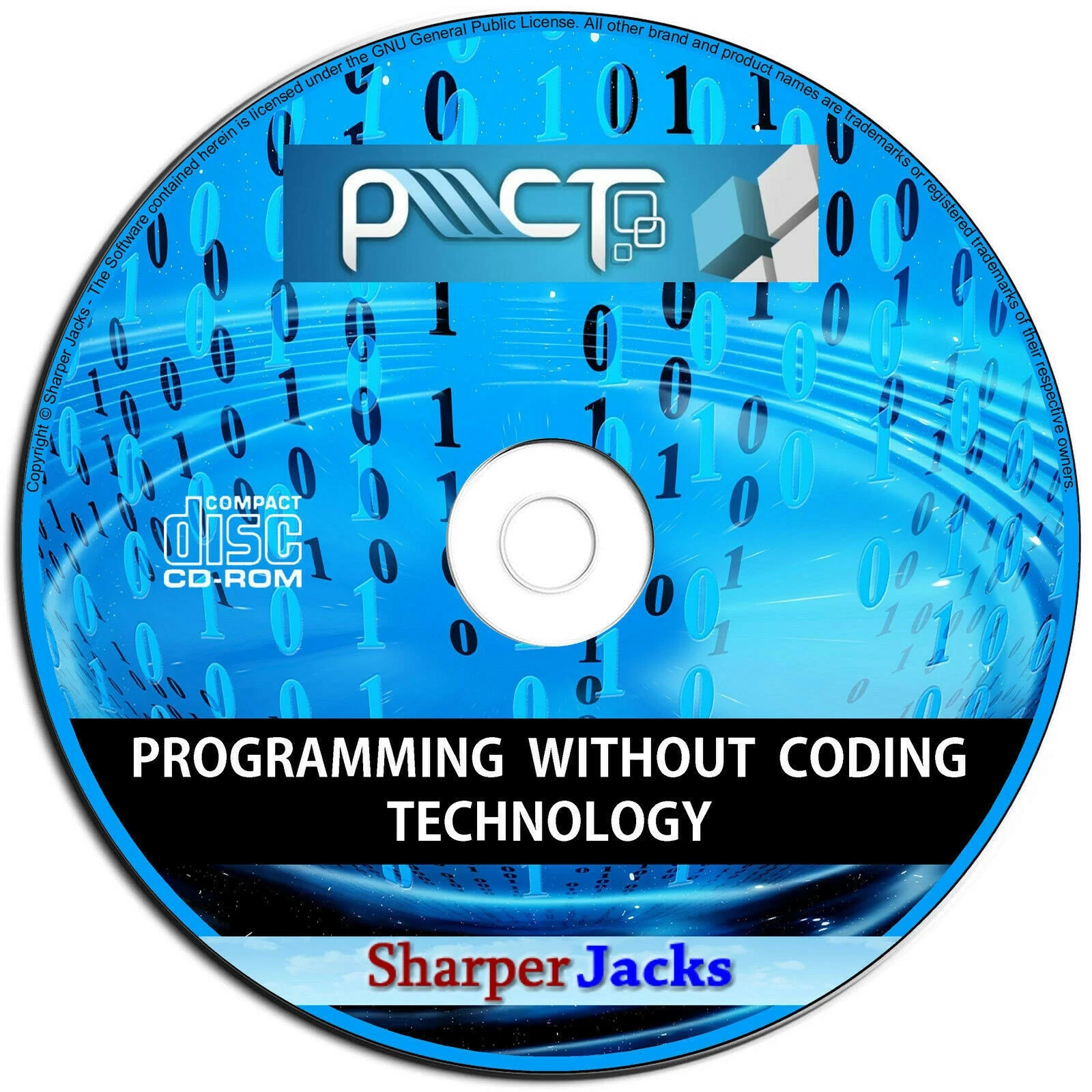
PWCT (Programming Without Coding Technology) on a Professional DiscCan\'t Find The Software You\'re Looking For?Need a Different Media Format?1-Year of FREE Updates IncludedProduct Description
PWCT (Programming Without Coding Technology) is a powerful visual programming and software development environment designed to help beginners and experienced developers create computer applications using graphical programming components instead of manually writing traditional source code. Combining an interactive visual editor, automatic code generation, component-based programming, and an integrated development workspace, PWCT provides an alternative approach to learning programming concepts and building software applications.
Unlike conventional drag-and-drop programming tools, PWCT uses an innovative Graphical Code Replacement (GCR) approach. Instead of connecting programming blocks, users interact with visual components through structured data-entry forms, and the system automatically generates an organized tree of programming steps. This visual representation makes it easier to understand program structure, explore programming concepts, organize application logic, and develop software without having to remember complex programming syntax.
The integrated Goal Designer provides a structured programming workspace where users build applications through an expandable tree of visual programming steps. Explore the Components Browser to find programming instructions, interact with customizable forms, arrange program components, and organize functions, procedures, and application logic. The Form Designer also provides tools for designing graphical user interfaces, including application windows and interface controls.
PWCT supports multiple programming paradigms, including imperative, procedural, object-oriented, and event-driven programming. Its collection of visual programming languages includes HarbourPWCT, CPWCT, PythonPWCT, SupernovaPWCT, and C#PWCT. Depending on the selected programming environment and installed development tools, users can work with different programming languages and generate corresponding source code. Supported languages include Harbour, C, Python, C#, and Supernova.
One of PWCT\'s most useful capabilities is automatic source code generation. Create programs visually and allow the environment to generate the underlying textual source code. Developers can also inspect, extract, and modify generated code when additional customization is required. This combination of graphical programming and traditional source-code access makes PWCT useful for both introductory programming education and more advanced software development projects.
The environment also includes practical development tools such as code completion, keyboard shortcuts, search and replace, cut, copy and paste, syntax-directed editing, and a specialized VPL Compiler for identifying structural errors in visual programs. Its customizable workspace allows developers to adapt component names, visual programming steps, and generated source code to their preferred development workflow.
PWCT also provides distinctive program-development history and visualization tools. Its Time Machine functionality allows users to revisit earlier stages of program construction, run programs from previous development points, and play the programming process as a movie to understand how an application was assembled. These capabilities are particularly valuable for programming education, demonstrations, troubleshooting, and understanding complex application logic.
For developers who want to extend the environment, PWCT includes a component-based framework with tools for creating, installing, modifying, and organizing visual programming components. Users can develop their own visual programming languages and customize the components that generate the underlying source code, making the platform adaptable to different programming languages and development requirements.
Whether you are learning computer programming, teaching software development concepts, experimenting with visual programming, designing graphical applications, or developing more advanced software systems, PWCT offers a distinctive environment that combines visual software development, programming education, automatic code generation, and extensible development tools.
Product Features
- General-Purpose Visual Programming Environment: Create software applications using graphical programming components rather than relying exclusively on traditional text-based coding. PWCT is designed for both beginning programmers learning software development and experienced developers building more complex applications.
- Graphical Code Replacement (GCR) Technology: Use PWCT\'s distinctive visual programming approach to generate program instructions through interactive components and structured data-entry forms. Its graphical method provides an alternative to conventional drag-and-drop programming and manually entering programming syntax.
- Interactive Goal Designer: Build and organize applications using an expandable tree of programming steps called Goals. Structure application logic, arrange programming instructions, create functions and procedures, and manage complex projects through an organized visual workspace.
- Components Browser and Interactive Programming Forms: Explore available programming components through a searchable Components Browser. Select programming instructions, enter the required information through interactive forms, and automatically generate corresponding steps within the visual program structure.
- Visual Form Designer and GUI Development: Design graphical user interfaces by creating application windows and arranging interface controls. Customize the positioning and dimensions of controls while developing desktop applications through the visual programming environment.
- Multiple Programming Paradigms: Develop programs using imperative, procedural, object-oriented, and event-driven programming approaches. Select the programming methodology appropriate for the application and the capabilities of the chosen visual programming language.
- Multiple Visual Programming Languages: Work with different integrated visual programming environments, including HarbourPWCT, CPWCT, PythonPWCT, SupernovaPWCT, and C#PWCT. These environments provide different programming capabilities, ranging from low-level C development to higher-level application programming.
- Automatic Source Code Generation: Generate traditional textual programming source code automatically from visual programming instructions. Work with supported programming technologies including Harbour, C, Python, C#, and Supernova, depending on the selected visual programming environment.
- Generated Source Code Inspection and Editing: View the source code generated behind individual programming steps and complete applications. Extract code from selected Goals, generate complete source files, and modify generated code when additional customization is needed.
- Syntax-Directed Editor and Error Prevention: Use the optional Syntax-Directed Editor to restrict programming operations to valid structural actions. Help prevent mistakes such as incorrectly formed control structures and invalid component arrangements while developing visual programs.
- Integrated VPL Compiler: Check visual programming structures using the specialized Visual Programming Language Compiler. Identify structural problems within the programming steps and receive messages that help locate and correct errors before generating the final application.
- Practical Programming Editor: Improve development productivity with autocomplete, keyboard shortcuts, component searching, cut, copy, paste, search and replace, and other convenient editing operations. Quickly navigate and modify programming steps without repeatedly searching through menus.
- Customizable Visual Programming Workspace: Modify component names, generated step descriptions, and other visual programming elements to suit individual preferences. Adapt the environment for different languages and workflows while maintaining the underlying program structure.
- Time Machine and Program Playback: Revisit earlier stages of application development using the integrated Time Machine. Run programs from previous development points and play the construction process as a movie to understand how the application was assembled and investigate development problems.
- Extensible Component Development Framework: Create, install, modify, and organize your own programming components. Use the Transporter Designer, Interaction Designer, and Interaction Pages Generator to develop customized components and build additional visual programming languages.
- Multiple Programming Languages and Development Scopes: Create both high-level and low-level applications using the supported visual programming environments. Develop console programs, graphical applications, and larger software systems according to the capabilities of the chosen language, compiler, and supporting frameworks.
- Samples, Tutorials and Programming Demonstrations: Explore built-in programming examples, tutorials, and demonstration movies through the available learning resources. Study practical programming techniques and understand how visual programming components work together to construct applications.
- Windows Development Environment with Linux Support: Use PWCT as a Windows desktop programming environment. Its official documentation also describes running the development environment through Wine on Linux. The operating-system compatibility of generated applications depends on the selected language and supporting development tools.
Software CategoriesAccounting & FinanceAnimation CreationAntivirus & SecurityArchitecture & DesignAstronomyBroadcastingBusiness & Office ToolsData & Media BurningDesktop PublishingDrivers & UtilitiesEmail & ChatGamesGraphics & DesignInvestingMathematicsMedia PlayersMusic CreationOperating SystemsProgrammingReligiousScreen RecordersSpeech RecognitionMedia ConvertersVideo & Audio EditorsWebsite DevelopmentContact usSuper
Fast
ResponseReview ReturnsRead
Product Return
InformationAccepted PaymentCertified SecurityA+ Service! Software CategoriesAccounting & FinanceAnimation CreationAntivirus & SecurityArchitecture & DesignAstronomyBroadcastingBusiness & Office ToolsData & Media BurningDesktop PublishingDrivers & UtilitiesEmail & ChatGamesGraphics & DesignInvestingMathematicsMedia PlayersMusic CreationOperating SystemsProgrammingReligiousScreen RecordersSpeech RecognitionMedia ConvertersVideo & Audio EditorsWebsite Development Contact usSuper
Fast
ResponseReview responseView
Recent
response Shipping DetailsSee
Shipping
Details Product ReturnsRead
Product Return
Information Accepted Payment Certified Security A+ Service!
When you click on links to various merchants on this site and make a purchase, this can result in this site earning a commission. Affiliate programs and affiliations include, but are not limited to, the eBay Partner Network.

 PWCT Visual Programming IDE App Development Source Code Generator for Windows CD$15.99
 PWCT Visual Programming IDE Code Generator GUI Designer USB Flash Drive Software$22.99
 Tangible Visual Programming$45.12
 www.userbars.org