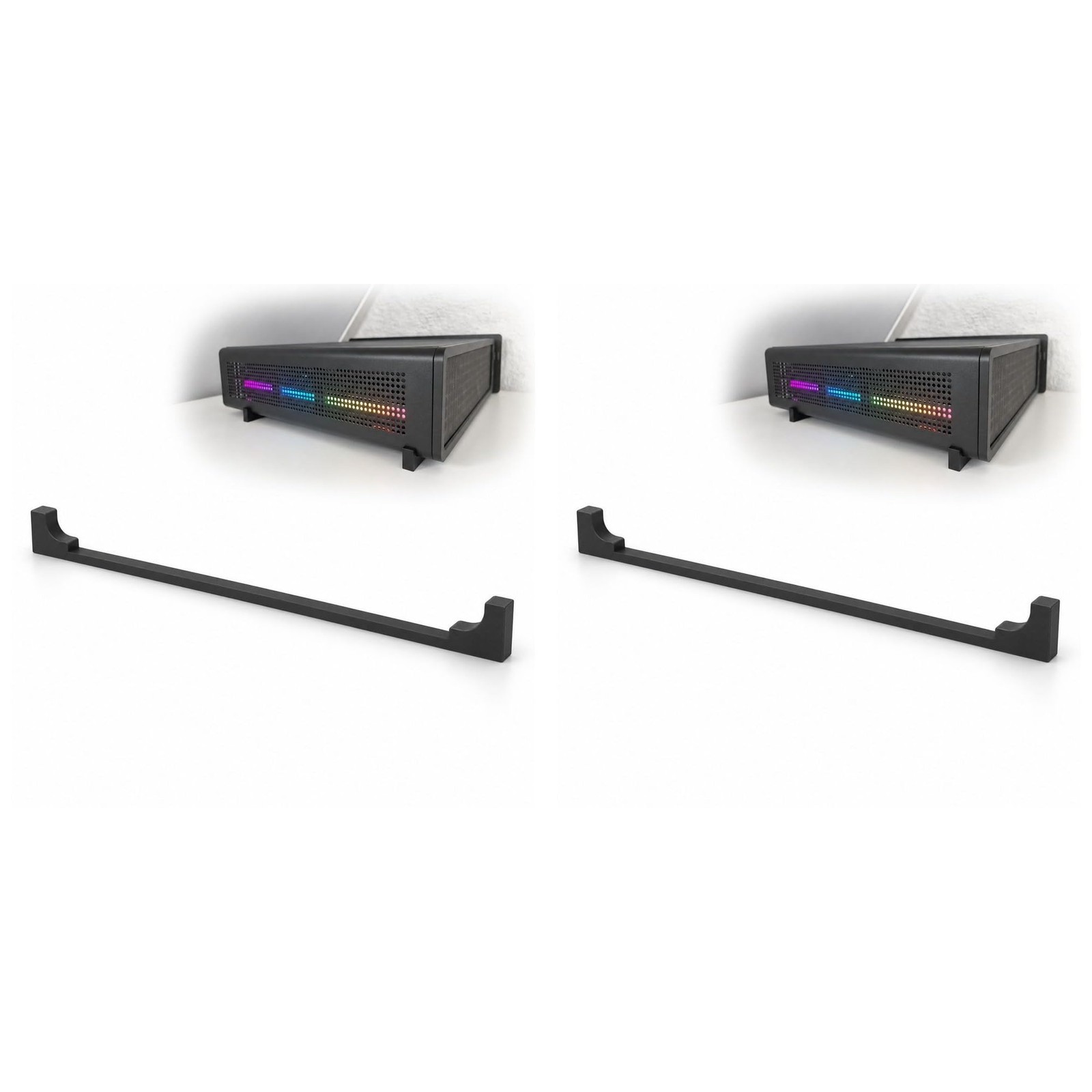
2 Pack Computer Case Riser Foot Compatible with Fractal Design Ridge 2-PAIR
- SPACE BELOW YOUR CASE — When your computer case sits too close to your desk, there is little room underneath for air or cables; this riser foot lifts it clear of the surface. Its 30mm height creates clearance beneath the bottom panel, giving your setup a usable gap instead of leaving the underside crowded against the desktop while you arrange your computer and its connections.
- USE EXISTING MOUNTS — Keep your computer case intact when you raise it off the desk: the foot screws into the existing threaded inserts on the bottom panel, with no drilling or case modification. Check your mounting points against the 55mm center-to-center hole spacing before fitting; you get the plastic part only, and the screws needed to attach it are not included.
- CHECK BEFORE YOU BUILD — Match the mounting arrangement before you rearrange your desk, using the 4mm inner hole diameter as a fit check for your computer case. That measurement gives you a concrete detail to check while planning the raised setup, so you sort out the attachment at your workbench before putting your computer back among your monitor, keyboard and cables.
- ROOM FOR INTAKES — Give the underside ventilation on your computer case space above the surface it sits on, rather than leaving those openings close to the desktop. The raised gap leaves more room around bottom air intakes and bottom-mounted fans, making this foot a useful addition when you are arranging a compact computer setup on a desk and want to keep its underside open for airflow.
- CABLES BELOW THE CASE — Route your power cord beneath your computer case instead of sending every connection around its sides across the desk. The gap creates an under-case path for cable routing, reducing visible clutter and giving cords room to turn without tight bends, whether you are connecting your computer after a desk rearrangement or tidying the leads beside your work area. WHAT'S IN THE BOX — Only the item named in the title. No hardware is included (see the description).
Your computer case sits close to the desk, leaving a cramped gap underneath. That space gets even more crowded when you need room for bottom ventilation and somewhere to route your power cord.
This computer case riser foot lifts your computer case above the supporting surface, creating 30mm of clearance beneath the bottom panel. It is a plastic part that puts usable space where your case otherwise sits close to the desktop. The extra room leaves underside air intakes and bottom-mounted fans farther from the surface, opening up the area beneath them for airflow.
Attachment uses the existing threaded inserts on the bottom of your computer case, so there is no drilling or case modification. Before fitting, check the mounting arrangement against the 55mm center-to-center hole spacing and the 4mm inner hole diameter. These measurements let you compare the attachment points while your computer is on the workbench, before you reconnect everything at your desk.
The raised gap also gives your cables a route beneath your computer case. Run a power cord through that space rather than around the outside, keeping more of the cable path below the case instead of spread across your work surface. Extra room beneath the bottom panel reduces tight cable bends as you arrange your connections.
For PC builders and owners working on a home desk, office workstation or compact computer setup, this foot makes the space below the case useful.
HARDWARE NOT INCLUDED: Only the item named in the title is in the box. Every setup is different: depending on yours, mounting it or attaching it to an existing part may use hardware you already have, such as the original screws, or you may need to buy your own screws, bolts, tape or adhesive to suit your situation. No hardware of any kind is included with this listing.
When you click on links to various merchants on this site and make a purchase, this can result in this site earning a commission. Affiliate programs and affiliations include, but are not limited to, the eBay Partner Network.

 2 Pack Desktop Computer Case Motherboard On/Off/Reset/HDD Switch Power 2-PACK $8.12
 2 Pack Computer Case Riser Foot Compatible with Fractal Design Ridge, Black$37.99
 2 Pack Computer Monitor Riser with Height Adjustable Multi Media Desktop Stand f$35.25
 [2 Pack] 24 Inch Computer Monitor Privacy Screen Filter Protect Your Data New$34.00
 2 Pack Computer Monitor Memo Board, Acrylic Computer Monitor Sticky Note$11.79
 2 Pack Computer Monitor Riser with Height Adjustable Multi Media Desktop Stand f$72.87
 2-Pack Non-Slip Mouse Pad Stitched Edge PC Laptop For Computer PC Gaming Rubber $5.99
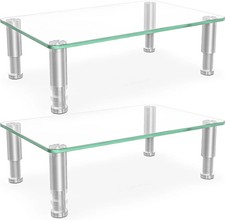 2 Pack Computer Monitor Riser with Height Adjustable Multi Media Desktop Stand f$33.50
 www.userbars.org